

Design Without Limits
CartGenie gives you full creative control over layouts, product displays, and checkout experiences, with starter templates, no locked components, and no forced structure. Every element is yours to design, style, and refine, so your store matches your vision pixel-for-pixel — not a platform’s defaults.

Customizable Customer Emails
Update the design of your transactional emails to match your brand. You can add your logo, colors, and messaging to create a consistent customer experience.
Add & Arrange Email Content Blocks
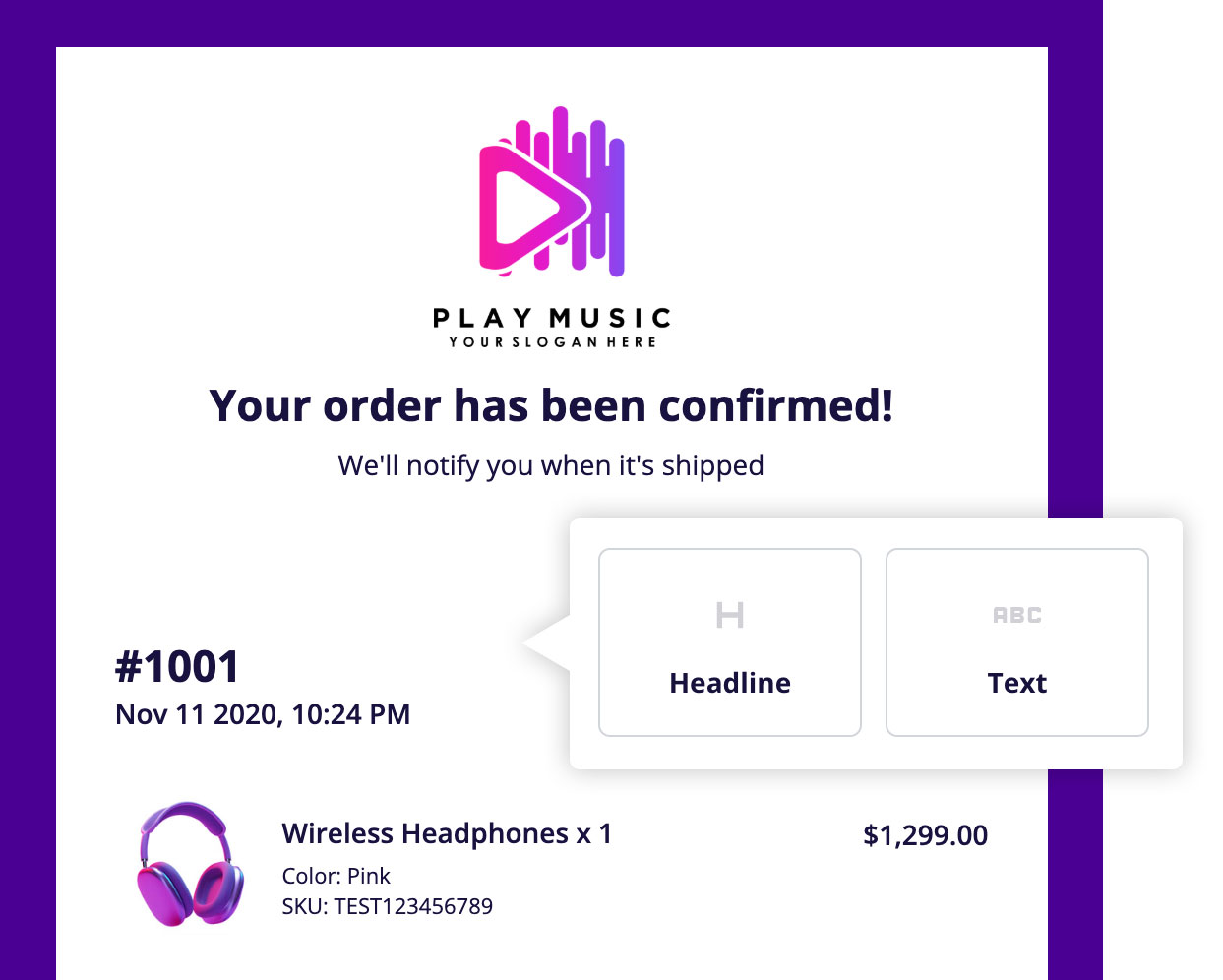
Add additional content blocks to your order emails such as headlines and text to personalize every message. Easily drag and rearrange blocks to fit your layout and speak directly to your customers.

Collect Custom Information at Checkout
Add custom input fields to your checkout flow to collect personalized details from customers – like gift messages, marketing opt-ins, special instructions, or customization info. Whether it’s “How did you hear about us?” or custom text for a product, you have full control over what you ask and how it’s displayed.
Product Image Galleries
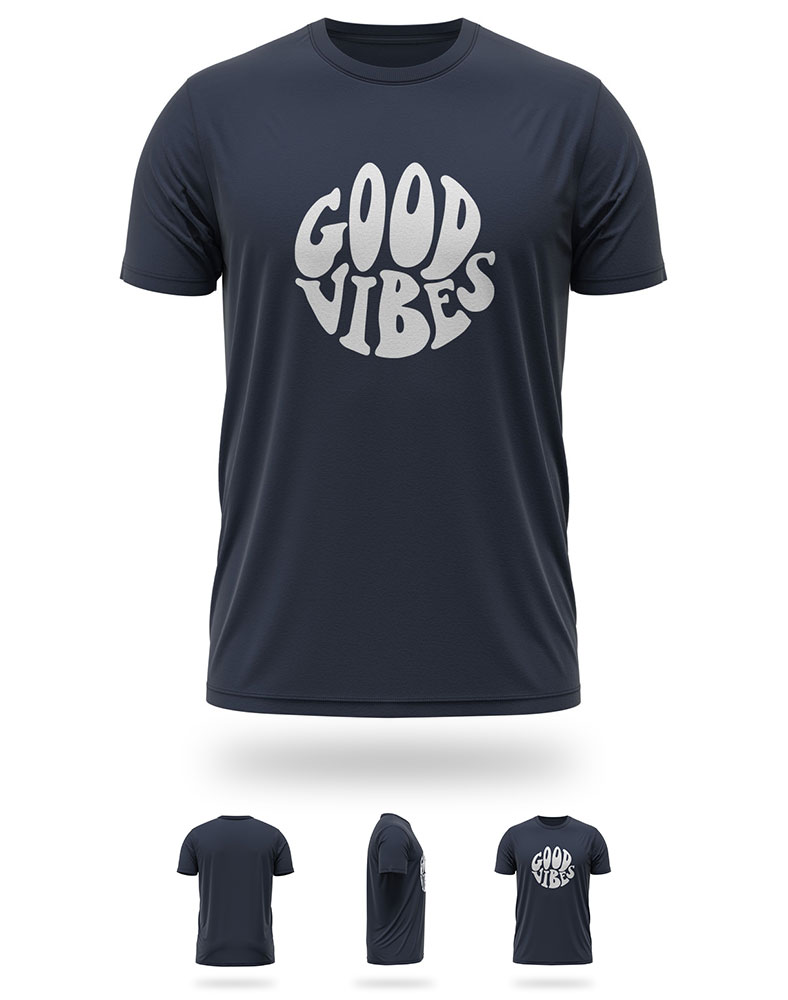
Show off your products from every angle. Add a gallery of extra images to any product, complete with Lightbox viewing. Variant-specific images update automatically as customers browse.
Add to Cart Buttons in CMS Lists
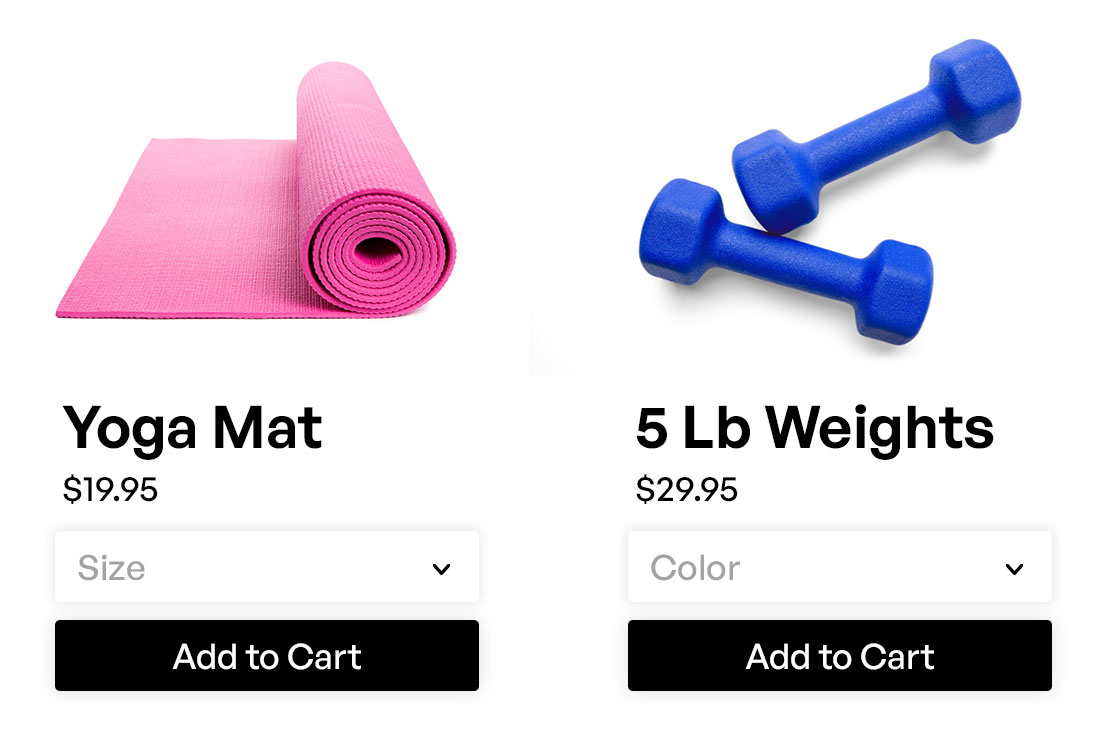
Easily drop fully functional product cards into any CMS list – like a “Featured Products” section or your main product grid page. Each card includes the product image, name, option dropdowns, personalization fields, and an Add to Cart button, so customers can shop faster without extra clicks.

Product Specific Add to Cart Buttons
Add an “Add to Cart” button for any specific product (or multiple products) on landing pages, blog posts, or custom sections – without linking to the product page. Perfect for featured items, quick promos, or bundles, this feature helps you sell faster by shortening the path to purchase.

Auto generate store CMS collections
Automatically create the necessary CMS collections in Webflow to support your products, categories, and product options. This simplifies setup and ensures everything is connected correctly to CartGenie.

Edit order email text
Tailor the content of your order confirmation and status emails. Add custom messages with customer merge tags, policy info, or branding touches that your customers will appreciate.

Component connector
The Component Connector links your Webflow components to CartGenie’s store functionality. It allows for full visual design freedom while keeping dynamic ecommerce features fully integrated and responsive to changes in your product or checkout logic.

Store page validator
Quickly check for any issues in your store setup with the store page validator. It scans your Webflow layout for missing components or misconfigured elements so you can ensure everything is connected before going live.

Store page templates
Get selling faster with blank product and store page templates to speed up your store design. These templates are fully customizable and optimized for ecommerce performance, helping you launch beautiful, functional shopping experiences faster without needing to build from scratch.

Webflow designer extension
With the CartGenie Designer Extension, you can quickly add page tempaltes, carts, and dynamic elements without touching code, making your ecommerce site feel fully integrated and completely manageable through your Webflow canvas.

Instant store page generation
Automatically generate store pages in Webflow such as checkout and confirmation – no manual setup required. Save hours of development time and launch a fully functional ecommerce experience in just a few clicks directly within your Webflow project.