Migrate from Webflow Ecommerce
Keep your products, orders, and site design & unlock the ecommerce magic Webflow is missing.






Upgrade Your Webflow Ecommerce Experience
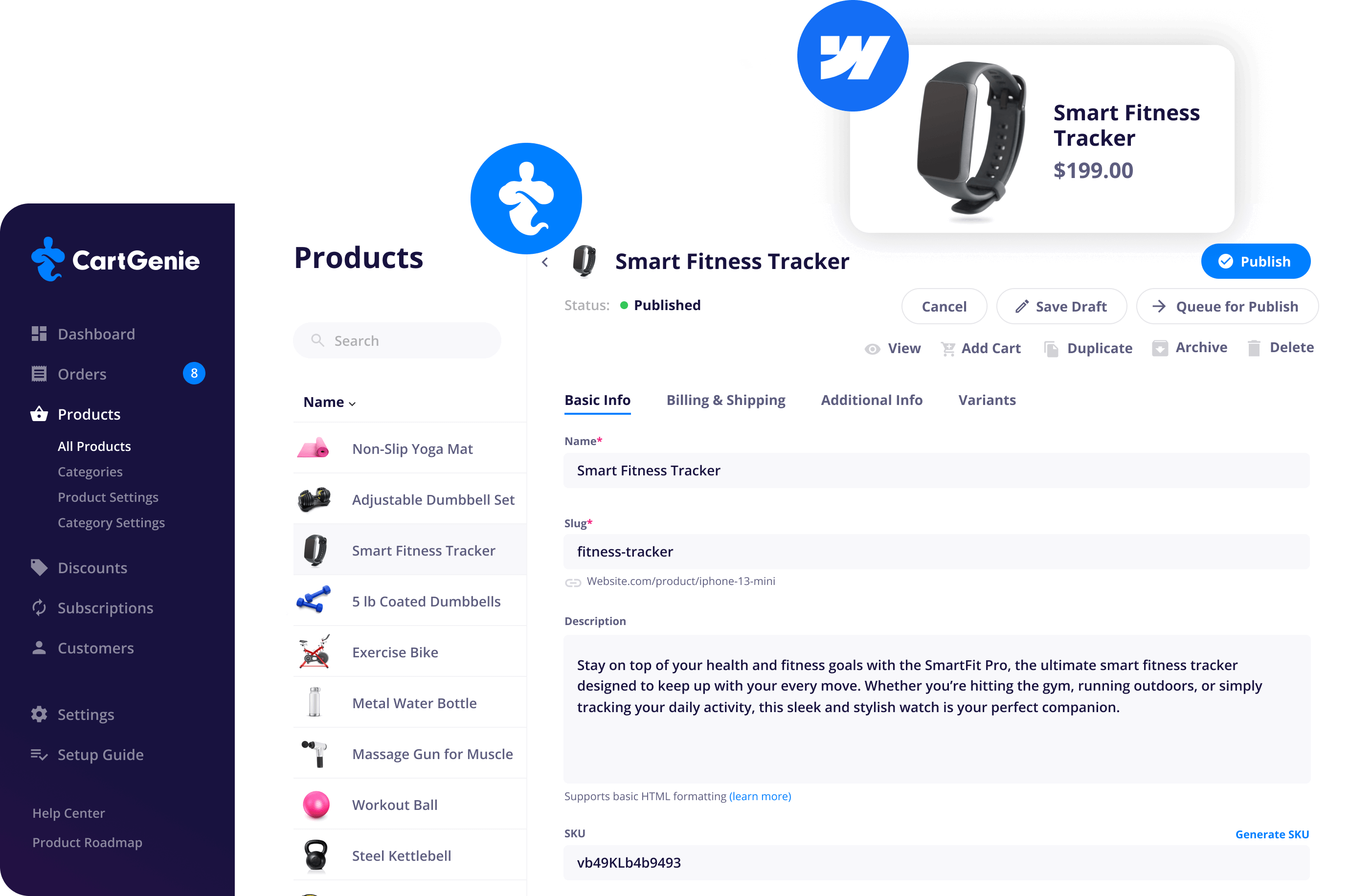
CartGenie brings all the power Webflow Ecommerce was missing – without changing the way you design. Keep your existing store layout, and unlock a faster, more flexible ecommerce engine inside Webflow.

Retain Your Webflow Order History
Automatically migrate your entire Webflow Ecommerce order history and products into CartGenie. We’ll also create customer profiles for better sales insights & customer retention.

Keep Your Existing Webflow Store Design
With all its designs, products, and settings. Our native Webflow app ensures your store stays exactly how you designed it.


Migrate Your Products & Categories

More Variants & Features
CartGenie gives you up to 200 variants per product (4x more than Webflow Ecom and 2x more than Shopify). Plus, unlock powerful features like personalization, custom checkout fields, and more!
Migration So Simple... You’ll Think It’s Magic!
A brand new store set up takes just 6 minutes.
⏱️ We timed it!


Step 1
Sign up for CartGenie
Create a free account in CartGenie and connect it to the Webflow site you want to use for your final store. We recommend using a CMS site as it is cheaper and less restricted than a Webflow Ecommerce site (you can still migrate your products from your WF Ecom site).
Step 2
Select a Webflow Ecommerce Site to Migrate From
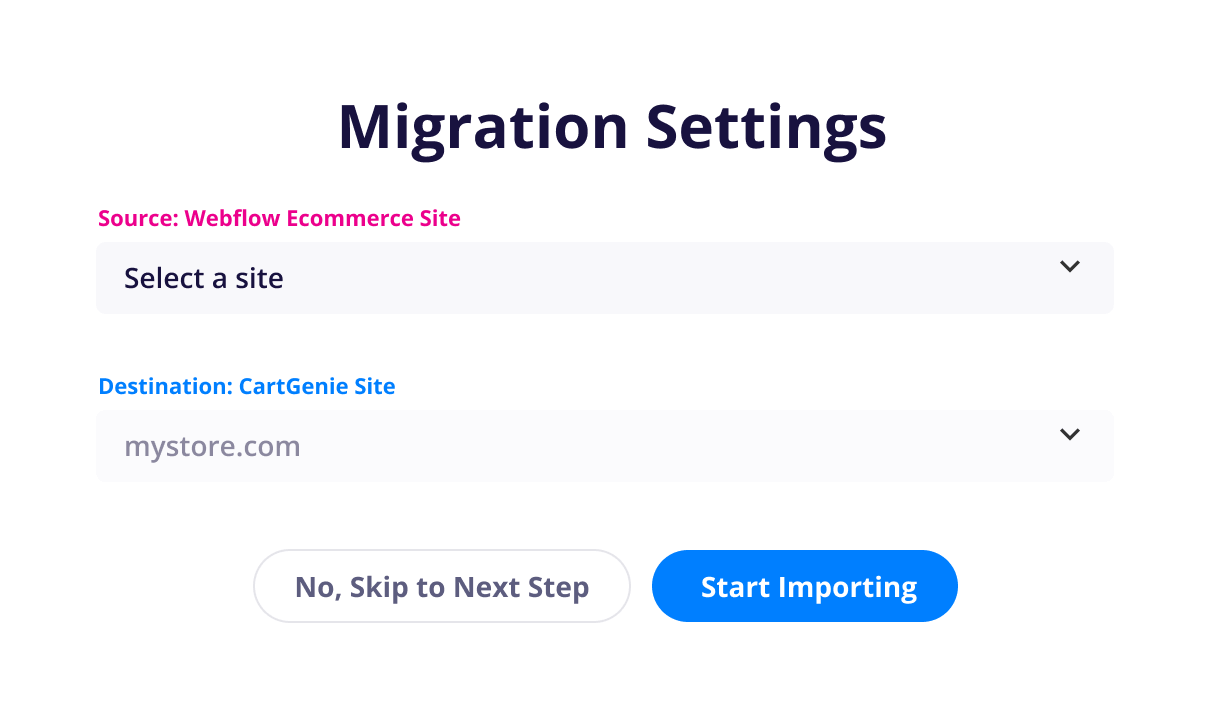
After entering your account information, you can then select the Webflow Ecommerce site you want to migrate your orders, products, & categories from. This will not affect your current Webflow Ecommerce store, but simply duplicate these items inside of CartGenie and sync them to your site.
Step 3
CartGenie Recreates Your CMS Collections
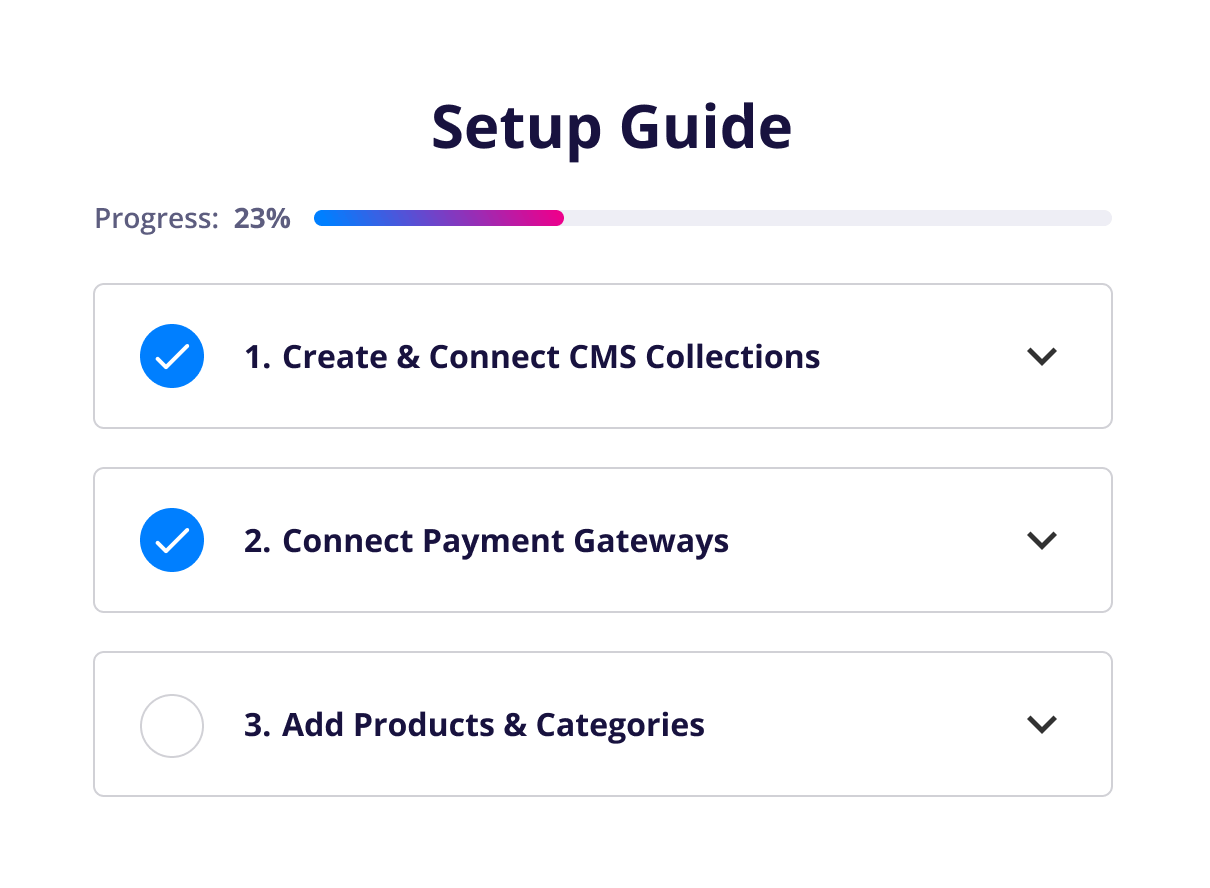
We've created an interactive step-by-step guide within CartGenie to make this super clear and easy. We'll automatically recreate your CMS collections for you –including any custom fields you created in Webflow Ecommerce.
Step 4
Add Our Page templates
For your CartGenie product pages, we recommend pasting in our page template and then modifying it to fit your existing site by using your old style classes. Alternatively, you can convert your existing Webflow Ecommerce page design by adding CartGenie's attributes to each element.

Step 5
Start Selling!
Once your CartGenie store is fully set up, you’re ready to go live and start selling.
Sit back and watch the money roll in!
Works With Your Favorite Platforms
Klarna, Stripe, Paypal, Zapier, Shippo, Monto,
Apple Pay, and more! (API coming soon)


Get More Features for Less

A Better Way to Sell with Webflow
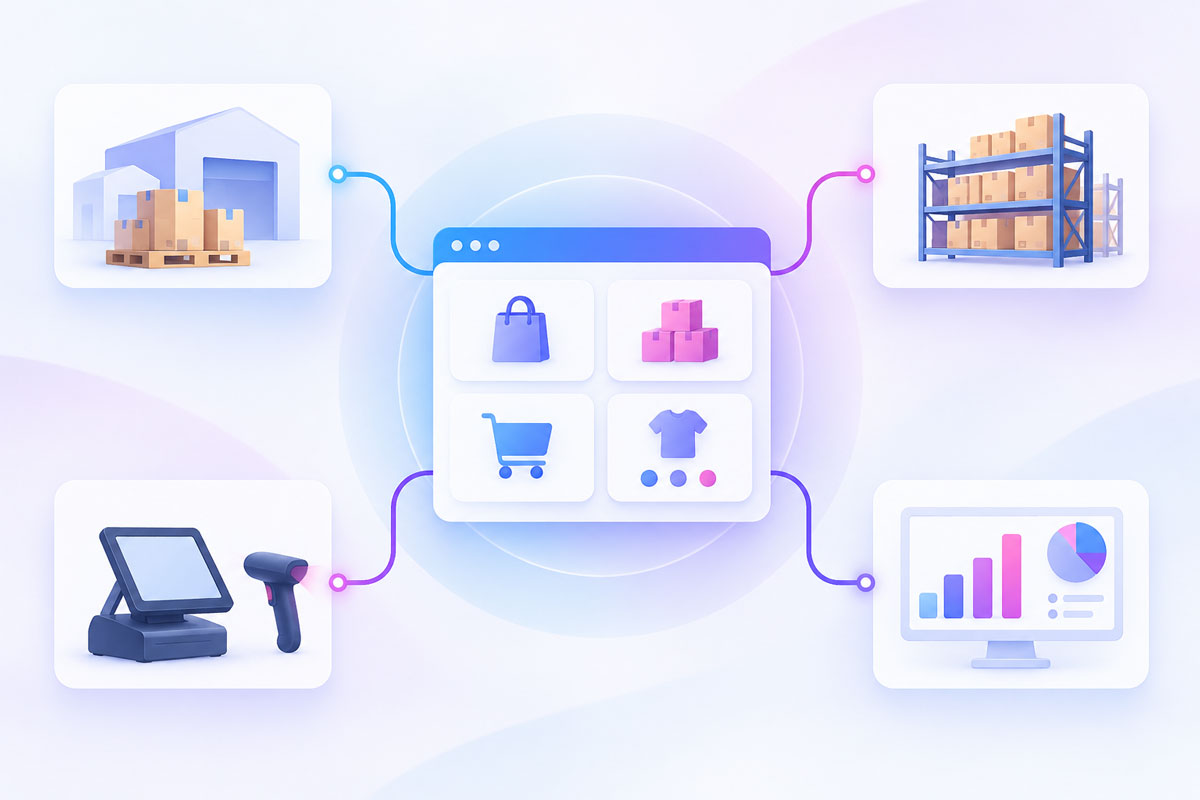
Turn your amazing Webflow design into an online sales powerhouse for your business. All the features you’re used to at Webflow… and more!
If you can dream it, you can sell it. Create variants and control all settings granularly.

No more searching through small sub-menus in the editor. See and manage your orders in an easy to view dashboard.

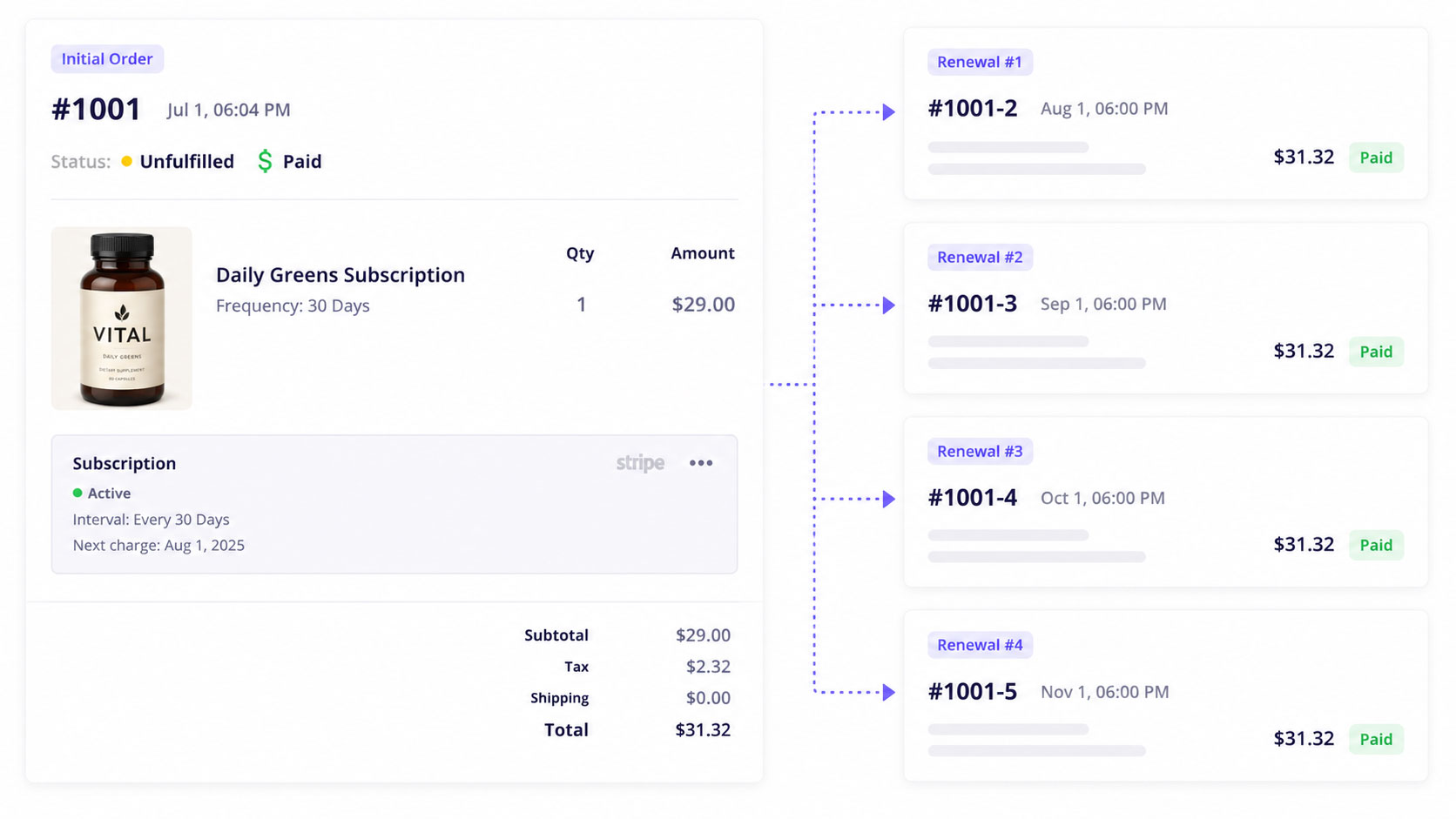
Create and sell recurring subscription products from your CartGenie store with our seamless checkout process.

Easily view order history and notes, profile information and total sales, and manage orders and subscriptions at the customer level.

Sales and refunds, AOV, sessions, conversion rate, and more… right at your fingertips!

Payment Gateways
Streamlined Order Fulfillment
Team Management
Coupons & Discounts
Sales & VAT Tax
for any country worldwide!
Customer Communication
Customize Emails
Address Validation

Instant Page Creation
Easily generate all the pages you need for your site in the blink of an eye… Or, build them yourself using our components, connectors, and page validator.


Complete Design Control
It isn’t “built for Webflow” if it doesn’t give you complete design autonomy! Design without limitations. Unleash your creativity in Webflow with powerful, pixel-perfect customer experiences from first impression to final checkout.

Webflow Designer Extension
It’s like having your very own genie to help build your site. Using the designer extension, you can paste in page templates, connect components, and more!


“Moving to CartGenie cut my time spent on order fulfillment in half. Their shipping integration is more advanced than competitors, plus the ability to collect custom information at checkout streamlined our entire ecommerce process.”

“I've turned down so many clients because they wanted Shopify for their e-commerce and at the time Webflow just wasn't there but CartGenie is definitely a game changer!”

“This will make Webflow viable as an option for ecommerce again.”

“CartGenie is amazing – so much better than Webflow E-commerce”

“CartGenie has been absolutely amazing. I'm loving every bit of it and really excited to see so many new features in the pipeline.”

Pricing
Need an Enterprise Plan?
Get white glove migration, unlimited team members, direct support channels, and more!
Frequently asked questions

CartGenie can automatically import the core data from your Webflow Ecommerce store, including past orders and products (with their individual variants, pricing, descriptions, images, SKUs and even custom fields). This saves a lot of time because Webflow Ecommerce's standard export function for products does not include these custom fields.
Nope! CartGenie is built to work best with a CMS plan (which is cheaper)! You can still use a Webflow Ecommerce plan, but there are extra limitations from Webflow such as requiring unique page and collection names.
Yes. If your products include variants (such as size, color, or other options), those variants can be imported along with the parent product. CartGenie supports product variants and their associated pricing, SKUs, and option values, making it straightforward to maintain the same product structure you had in Webflow Ecommerce.
Yes. CartGenie supports importing products using a CSV file, which allows you to quickly upload large product catalogs or migrate data from other platforms. This is also helpful if you want to review or adjust product information before importing, or if you prefer to export your data from Webflow and import it into CartGenie in bulk.
Yes. Your previous orders can be imported into CartGenie so you can keep a complete record of your store’s sales history. This allows you to maintain reporting continuity, reference past purchases, fulfill past orders in CartGenie, and keep your order data organized in one place after migrating from Webflow Ecommerce.
Roadmap & Wishlist
Three wishes only? No way! We’re working hard to deliver every superpower you’ve asked for.
Recent News
Catch up on CartGenie’s newest features, success stories, and ecommerce strategies.