.jpg)
NEW Ways to Get Paid: 💵 Offline Payments + Smart Image Uploader
Hey guys — we just rolled out two major upgrades that expand what’s possible inside CartGenie:
- Offline and Custom Payment Methods designed for high-ticket, custom, or special-handling orders, and
- The Smart Variant Image Uploader to simplify managing large catalogs!
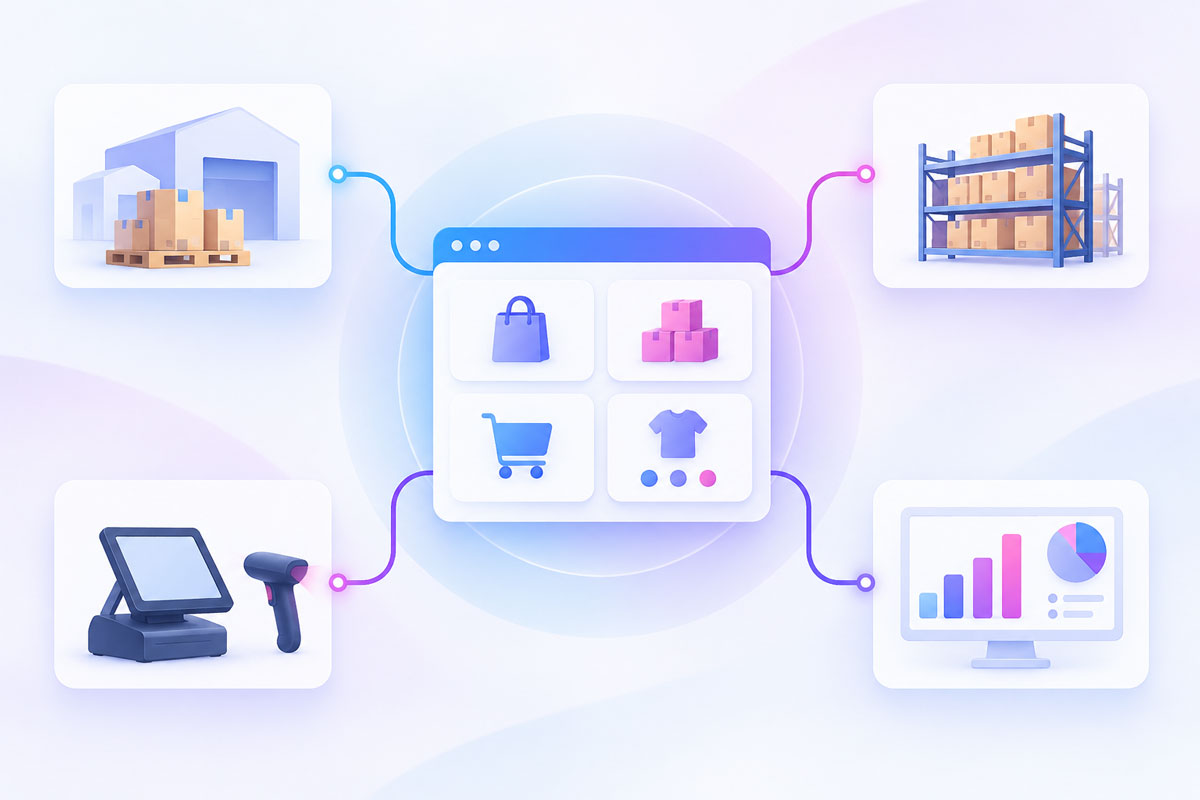
These updates give you more speed and simplicity managing large product catalogs and checkout and more control over how customers complete their purchases. And of course several other small improvements and fixes.
👇 Everything below is live now and included on every plan — free or paid.
💵 Offline and Custom Payments
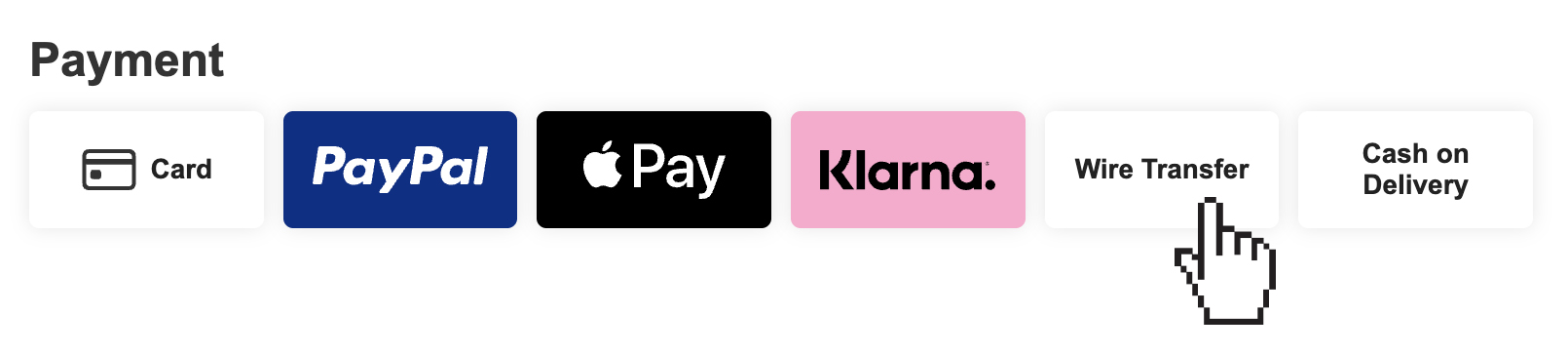
CartGenie now supports:
- Wire Transfer
- Cash on Delivery
- Or any custom offline payment!
Customers place their order without submitting an online payment, receive instructions on how to complete it, and the order appears in your dashboard (and webhooks, Zaps, etc.) as "Unpaid" so you know not to fulfill it yet. Once payment is confirmed, you can mark the order as "Paid" and add internal notes for reference.
This is perfect for high-value items, made-to-order products, wholesale, or any workflow where payment happens outside the standard online gateway.
🧠 Smart Variant Image Uploader
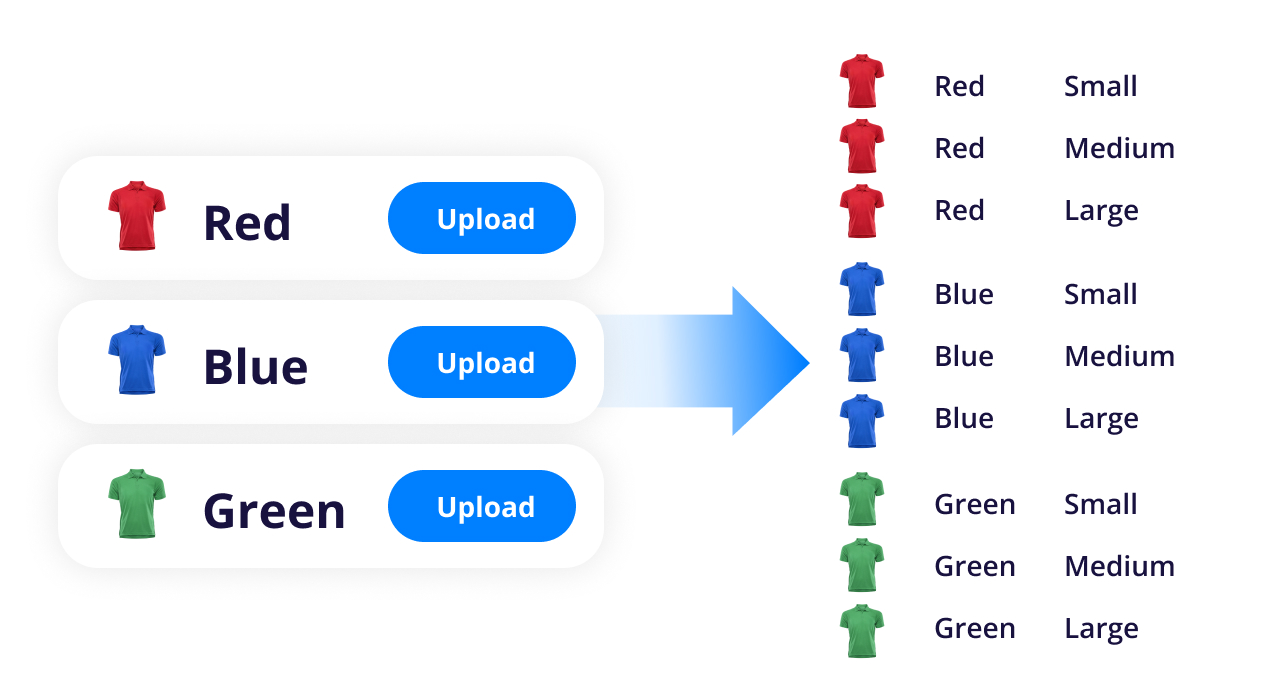
Managing variant images just got much easier. Instead of uploading images to every single variant combination manually, you can now upload an image to an option value — and CartGenie will automatically apply it to every variant that uses that value.
Example:
- Your "T-shirt" product has an option set for colors (red, blue, green) & sizes (S, M, L, XL, 2XL).
- This leads to a LOT of variants which previously (and in Webflow Ecom currently) you had to manually upload images to.
- With CartGenie, you can now upload a main image and gallery images for “Blue” once → we instantly apply those images to Blue/S, Blue/M, Blue/L, Blue/XL, etc!
This saves a massive amount of time for stores with big catalogs, multiple colors, or detailed variant sets. The uploader handles all the mapping for you — just drop in your images and go.
And, you can still override a specific variant's images if you want!
Plus/Minus Quantity Selector (Component)

You can now use a quantity component on your product pages with simple “+ / –” controls instead of the default number input. This gives customers a cleaner, more intuitive way to adjust quantity — especially on mobile — and can be added anywhere in your product layout.
Other Recent Improvements
Order Exports respect your filters
The “Export Orders” button now exports only the orders matching your current filters (status, date range, amount, etc.), making reporting far more accurate and flexible.
Hidden checkout fields for internal data collection
You can now collect custom information at checkout without showing it to your customers. Using our new custom attribute, you can track metadata — like referral codes, campaign IDs, gift messages, internal tags, or anything else you need behind the scenes — and send it straight into CartGenie. See our guide here.
Selectable payment methods in the Webflow Designer extension
When copying checkout or payment components from CartGenie’s Designer extension, you’ll now see checkboxes allowing you to choose which payment methods to include before copying. This gives you more control over your checkout template and prepares your store for additional upcoming methods like iDeal, Twint, Afterpay, and Bancontact.
🪲 Bugs Squashed
- Fixed issue where variant option values were sent to Webflow in the wrong order
- Fixed issue that prevented saving a published product as a draft
- Fixed issue causing newly added option sets on published products to not fully publish
- Fixed issue where reloading checkout with an invalid address prevented address validation from appearing
- Fixed layout issues with the Add to Cart button on mobile within the product page template
- Resolved duplicate ID conflicts in Designer extension page templates
- Added a billing address block under the Klarna payment tab for non-shippable products (CartGenie will auto-duplicate this block from the credit card tab for older templates where it was missing)