Automatic Discounts Are Here — Plus Default Variants, Link, and more!
This release includes a few highly requested updates that should make a real difference in day-to-day selling. You can now create automatic discounts with no code required, set a default variant on product pages, offer Link by Stripe as a faster checkout option, and choose whether orders sync to Shippo automatically or manually.
We also added more flexibility to discounts, variant setup, bundles, checkout customization, image controls, and the Designer Extension — along with a long list of bug fixes across the storefront, checkout, Webflow sync, invoices, and more.
👇 Everything below is live now and included on every plan – free or paid.
Automatic Discounts
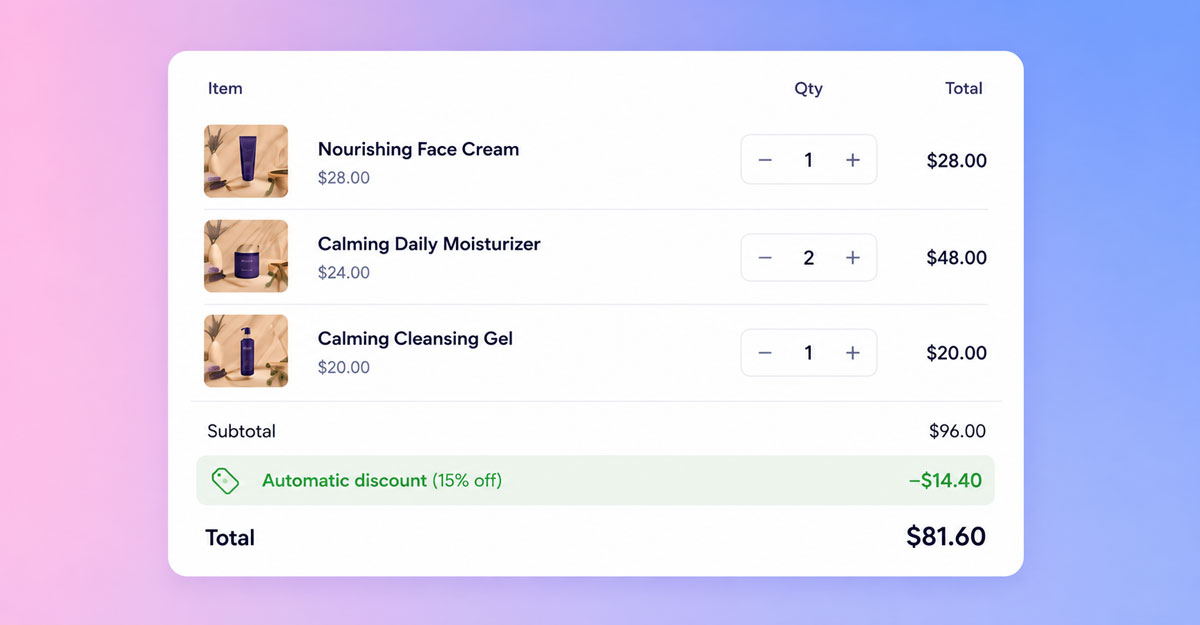
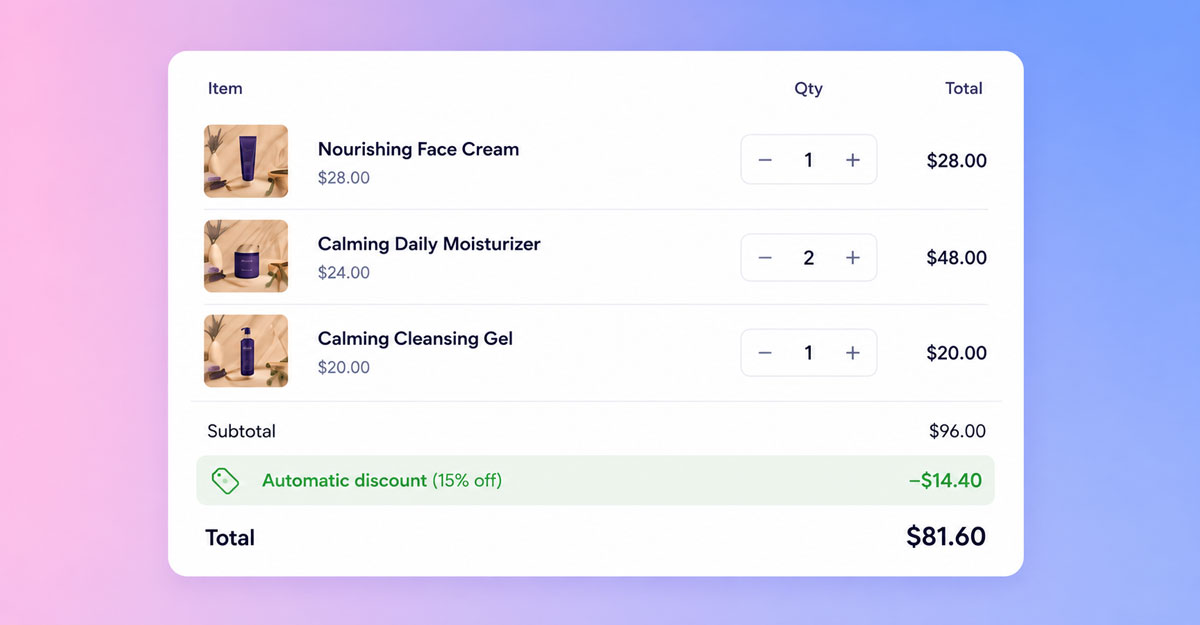
You can now create discounts that apply automatically when a cart qualifies — no coupon code required. Just set a discount’s activation method to Automatic, give it a customer-facing name, and CartGenie will automatically apply the best qualifying offer at checkout. If a customer enters a manual discount code, that code still takes priority.
This is especially useful for volume discounts, bulk pricing, order value thresholds, and B2B pricing workflows where you want customers to get the right offer without needing to enter anything themselves. It removes friction at checkout, makes promotions easier to understand, and has been one of the most requested features on our wishlist for a long time.
Set a Default Variant on Product Pages
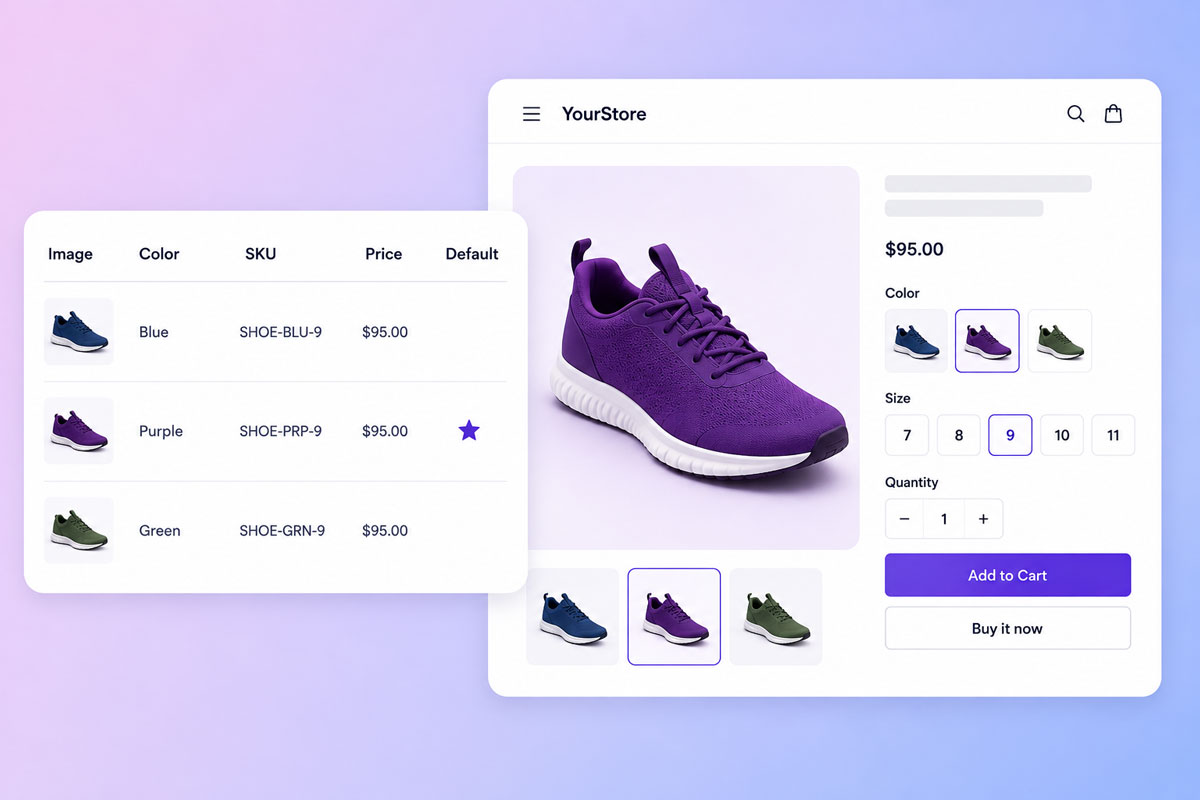
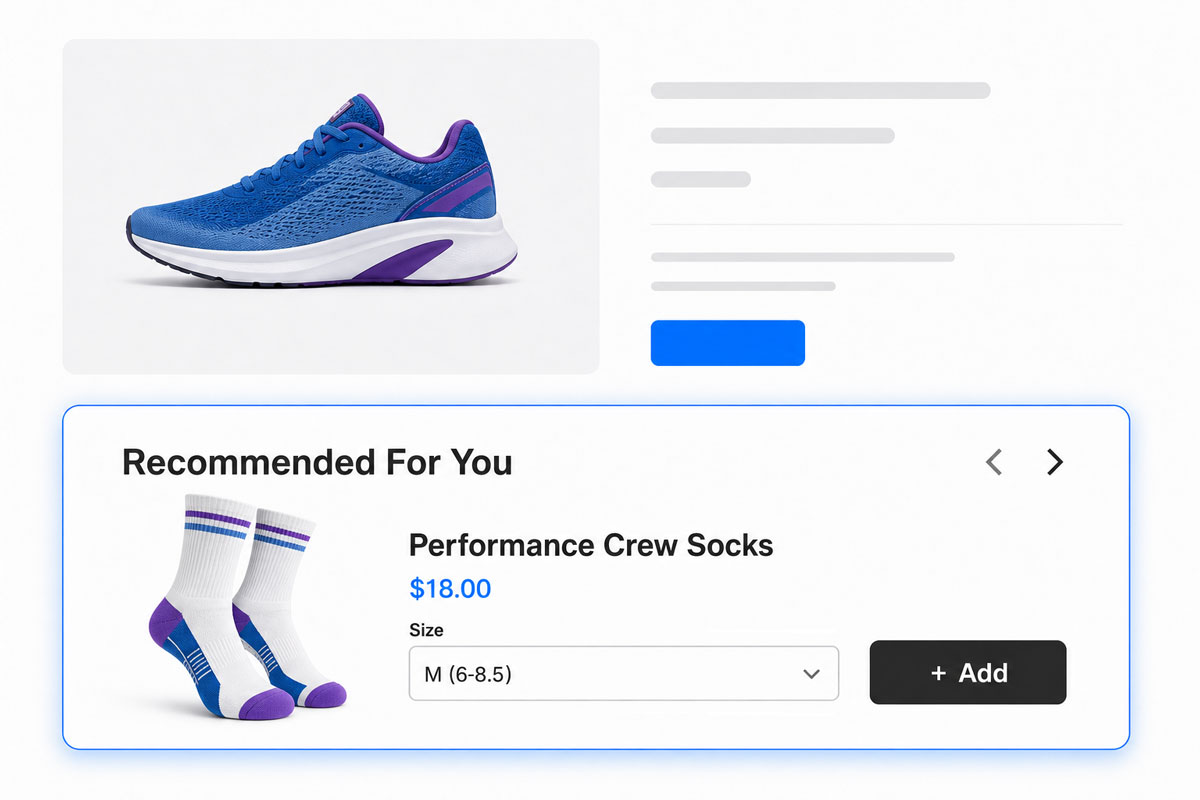
You can now choose a default variant for any product, so its image, price, and option values are already selected when the product page loads.
This helps create a smoother buying experience by reducing the number of clicks it takes to purchase. Instead of landing on a product page with nothing selected, customers can immediately see the intended version of the product and add it to cart faster. It’s a simple update, but one that can make a meaningful difference for conversion and merchandising.
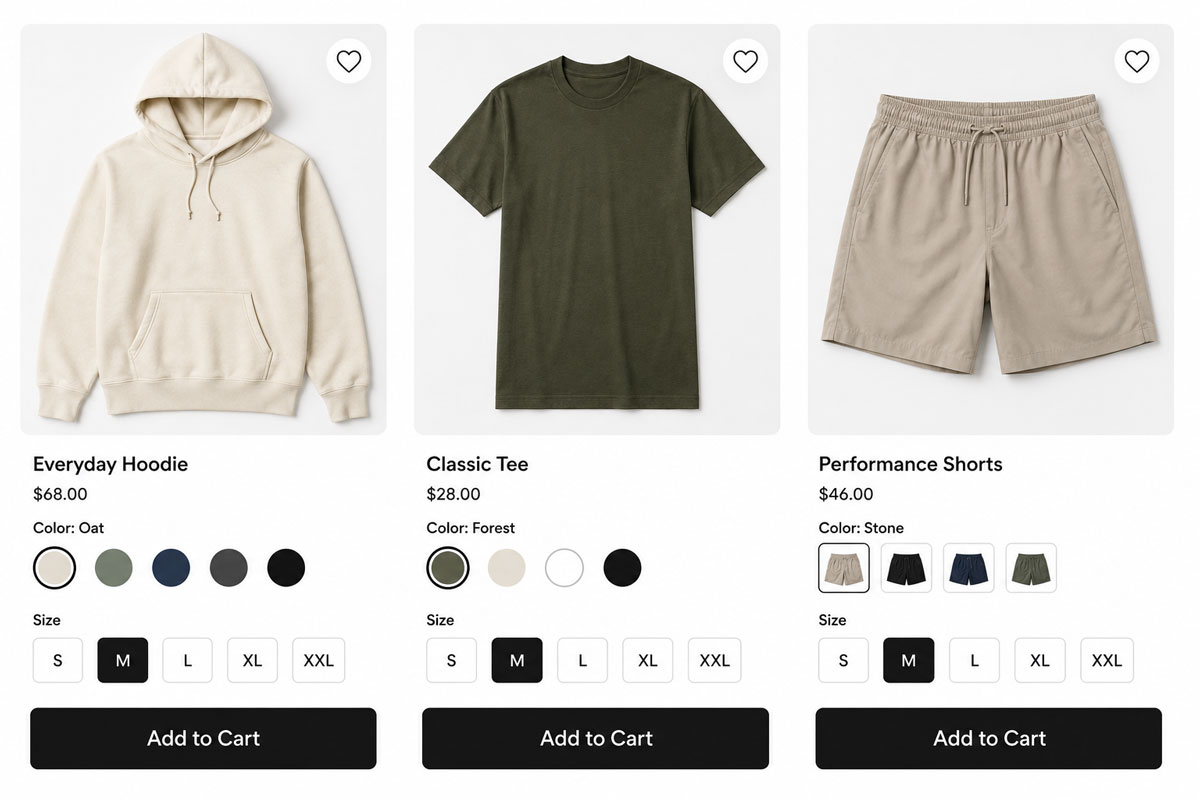
Swatch Selectors on CMS Lists
You can now add variant swatch selectors to category and collection product CMS List pages.
This lets shoppers preview and choose options like colors directly from the listing page instead of needing to click into each product first.
Link by Stripe Integration

CartGenie now supports Link by Stripe as a payment method, giving customers a one-click autofill checkout option powered by Stripe.
For returning shoppers, this can make checkout much faster by filling in saved payment and billing details automatically. Less typing usually means less friction, especially on mobile, and adding another fast checkout option can help improve completion rates.
More Flexible Shippo Syncing
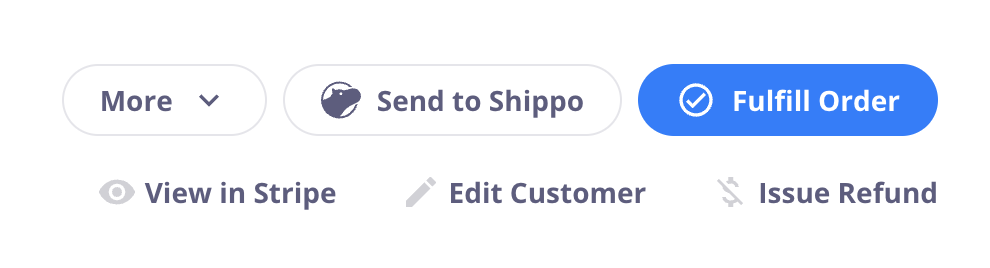
We updated the Shippo integration so you can now choose whether orders are sent to Shippo automatically or manually.
This gives you more control over shipping workflows, especially when you need to split orders in Shippo for partial fulfillments, pre-orders, or any case where parts of an order need to ship separately. Instead of forcing every order into the same workflow, you can now choose the approach that best fits your operation.
🪄 Other Recent Improvements
More control over fixed-amount discounts
Fixed discounts can now apply either once per order or once per item. This gives you better control over how multi-item and bulk discounting works.
Help doc
Disable variant combinations you don’t sell
You can now invalidate specific variant combinations you don’t carry so they appear as unavailable on the storefront. This helps avoid managing inventory for combinations that were never meant to be sold in the first place.
Bundles work better with fulfillment and shipping
Bundles can now be partially fulfilled item by item, and each bundle item is sent to Shippo individually with its own weight. This improves shipping accuracy and makes bundles work much better in real-world fulfillment flows.
Help doc
Edit tracking even after fulfillment
You can now add or update tracking information on an order after it’s already been fulfilled, without needing to unfulfill and re-fulfill it. You can also choose to resend the shipping notification to the customer.
Help doc
More unit options in Business Info
You can now choose the weight and dimension units that make the most sense for your catalog, such as lbs instead of oz or ft instead of inches. This makes shipping-related settings and rate fields easier to work with.
Control cart and checkout image size
We added a custom attribute that lets you control which image size CartGenie loads for cart and checkout images. This gives you more flexibility when you want larger or sharper product images in key parts of the buying flow.
Help doc
Custom Field component in the Designer Extension
The Designer Extension now includes a Custom Field component, making it much easier to add custom checkout fields like gift messages or delivery instructions without manually copying attributes.
Help doc
Thanks again for all the feedback that helps shape these updates. Automatic discounts in particular has been on the wishlist for a long time, so we’re excited to finally get it out the door alongside these other conversion and workflow improvements.
What features would you like to see next?