NEW: API and SDK, Light Theme, and More!
Hey everyone, this rollout is the start of a bigger push to fully empower you to build your store how you need.
Every time we talk with one of you, we learn about a new edge case. The best way to ensure you can do exactly what you need for your particular store is to build dev tools for you.
Your flow. Your needs. Your own unique situation can now be built entirely on your own terms!
👉 API v1 is released now in beta. Many more endpoints to follow.
👉New npm SDK to make integrating webhooks much simpler
👉Copy/paste Claude/Codex/AI prompts to get you going quickly on both
👉We’ve also made a few meaningful improvements to Monto, reconnecting sites, and checkout reliability.
👇 Everything below is live now and included on every plan – free or paid.
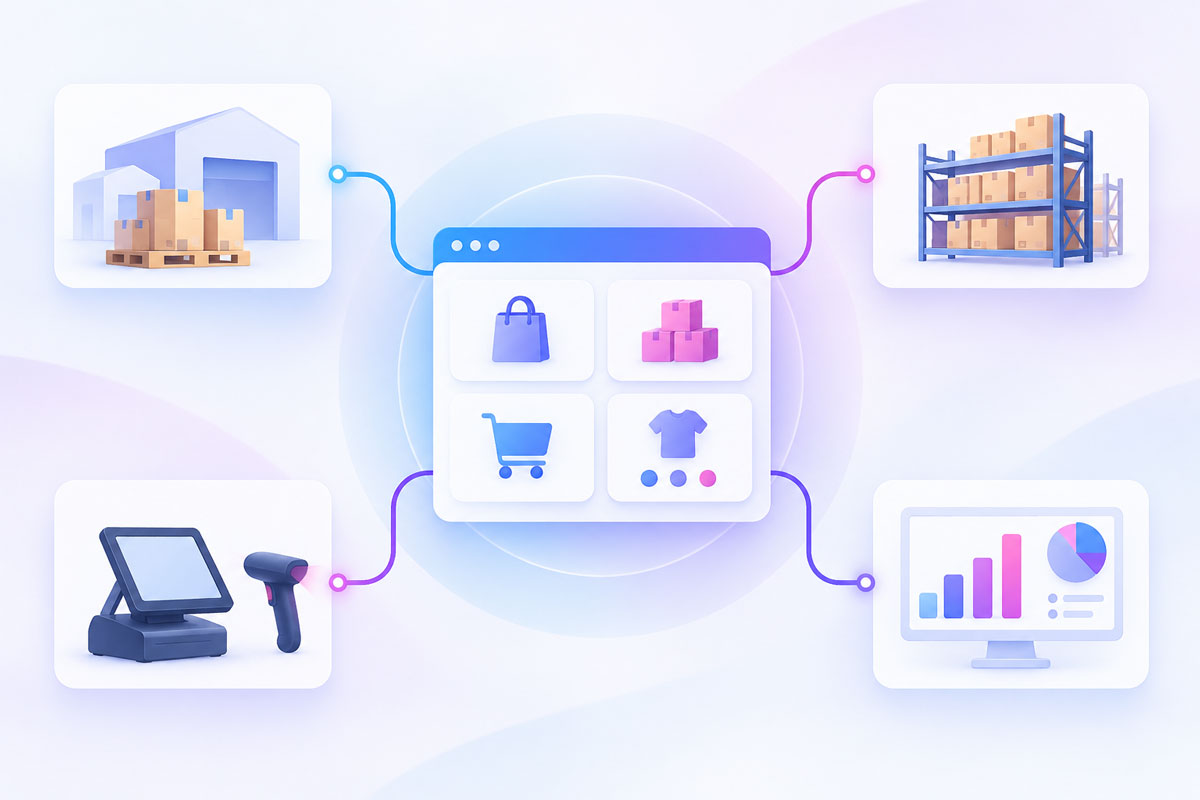
The CartGenie Public API (Beta) Is Now Available To All Stores
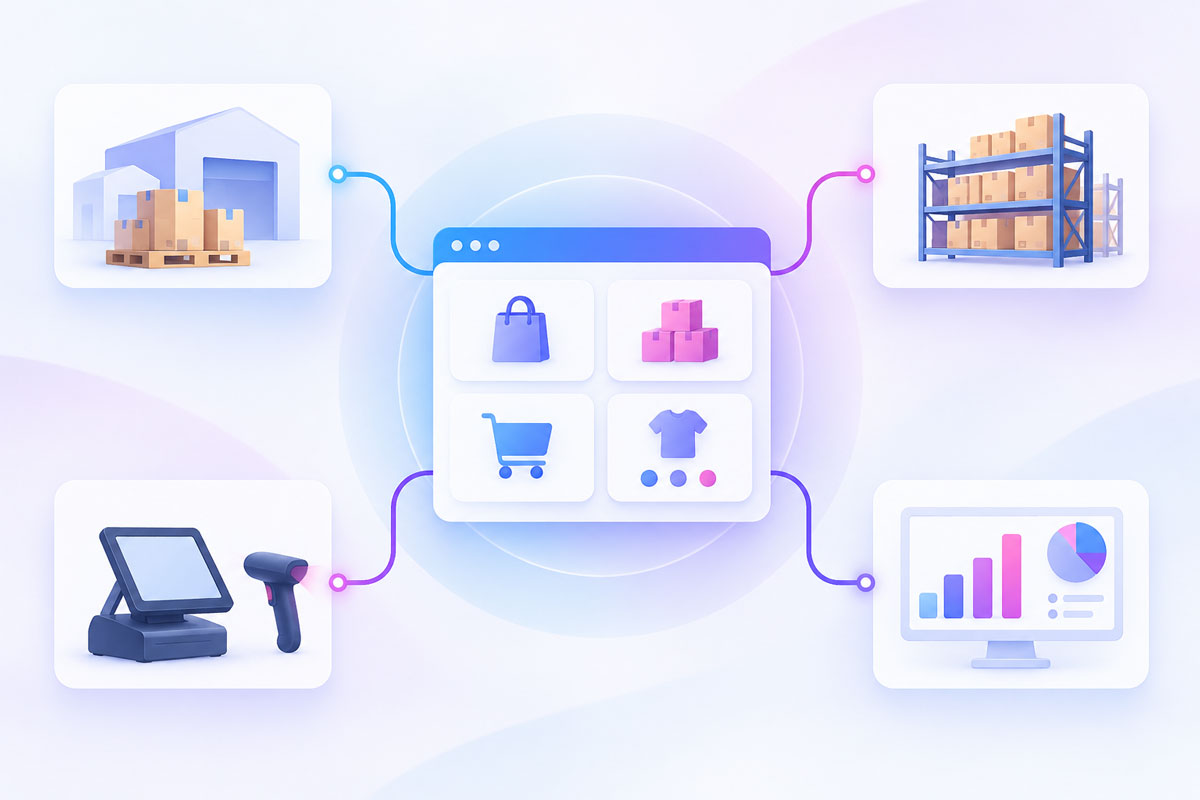
CartGenie’s Public API is now available to all stores in beta. It lets you read and write to your store data from your own systems—including products, variants, inventory, orders, and webhooks.
Use it to connect CartGenie to an ERP, warehouse or 3PL, point-of-sale system, product feed, internal dashboard, or whatever else your business needs. Your store data is now much easier to put to work.
Be sure to let us know what you build so we can feature your store! Also, shoot our team a note with the endpoints that would be most valuable to you for us to build next.

Receive CartGenie Events With the Node SDK
You can now receive CartGenie store events directly in your own app. Orders, refunds, subscriptions, abandoned carts, inventory changes, and more—17 event types can be delivered to your endpoint as they happen.
Our Node SDK handles signature verification using your store’s signing secret, so invalid requests never reach your code. It also gives you typed events and drop-in adapters for Next.js, Express, and edge runtimes—all with zero runtime dependencies.
Want a simpler no-code solution? You can still use our standard webhooks!
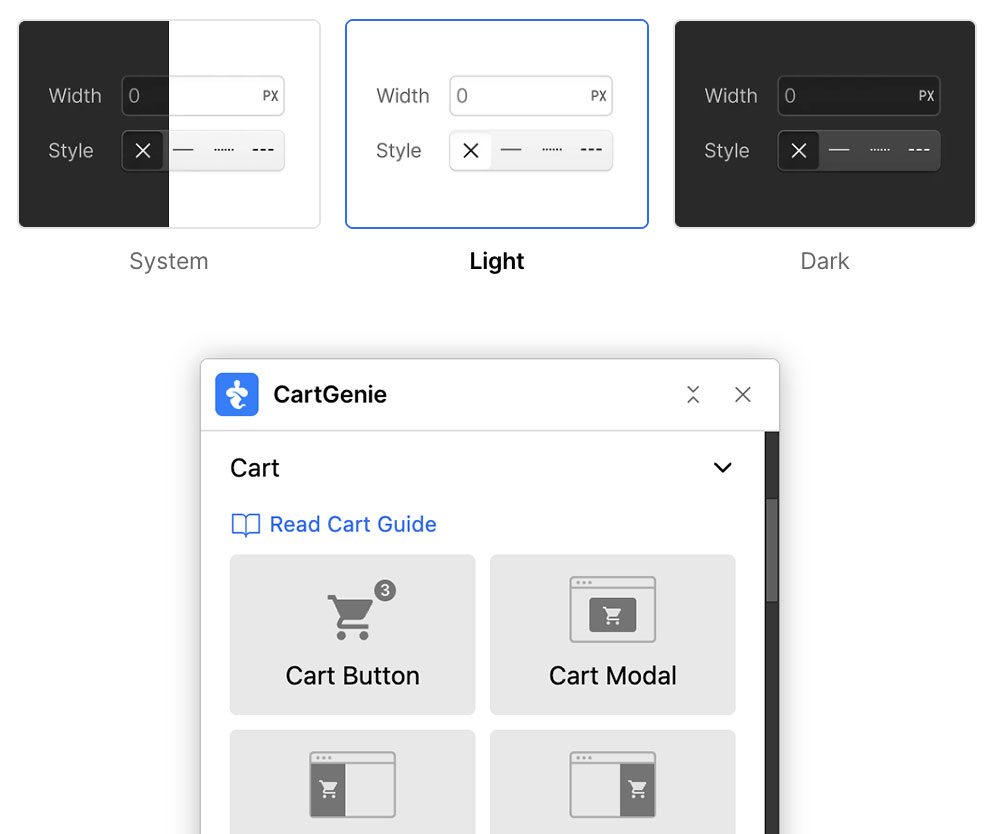
Light Theme Compatibility for CartGenie's Webflow Designer Extension
The CartGenie Designer Extension is now fully compatible with Webflow’s light theme. Set Webflow to light, dark, or system, and the extension will look right at home.
No workarounds, no awkward styling—just use the workspace that works best for you.
Open the CartGenie Designer Extension in Webflow to see it in action.
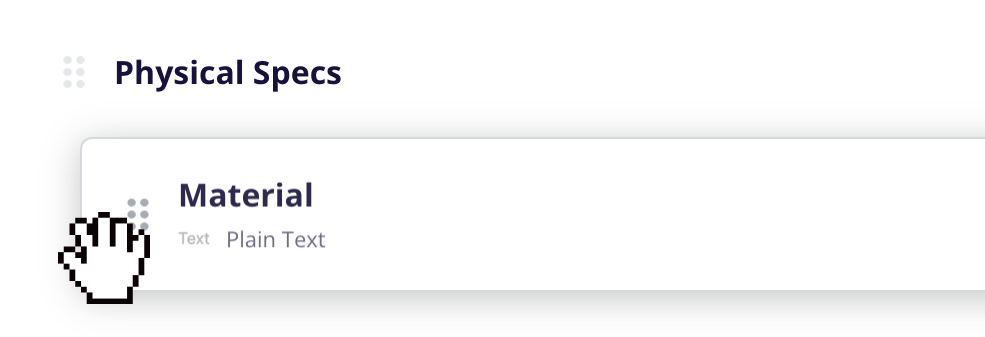
Organize Product Custom Fields Your Way
You can now add section titles to divide up the Additional Info tab on products. It’s an easy way to group custom product data into clear, logical sections—especially useful when products have lots of details to manage.
You can also drag-and-drop rearrange custom fields from the Product Settings page, so they appear in the exact order you want within the Additional Info tab. A little more control, and a much cleaner product-editing experience.
Open CartGenie → Product Settings to try it.
Add Section Titles & Arrange Fields
🪄 Other Recent Improvements

Monto's Customer Portal now enables customers to pause or cancel their subscriptions
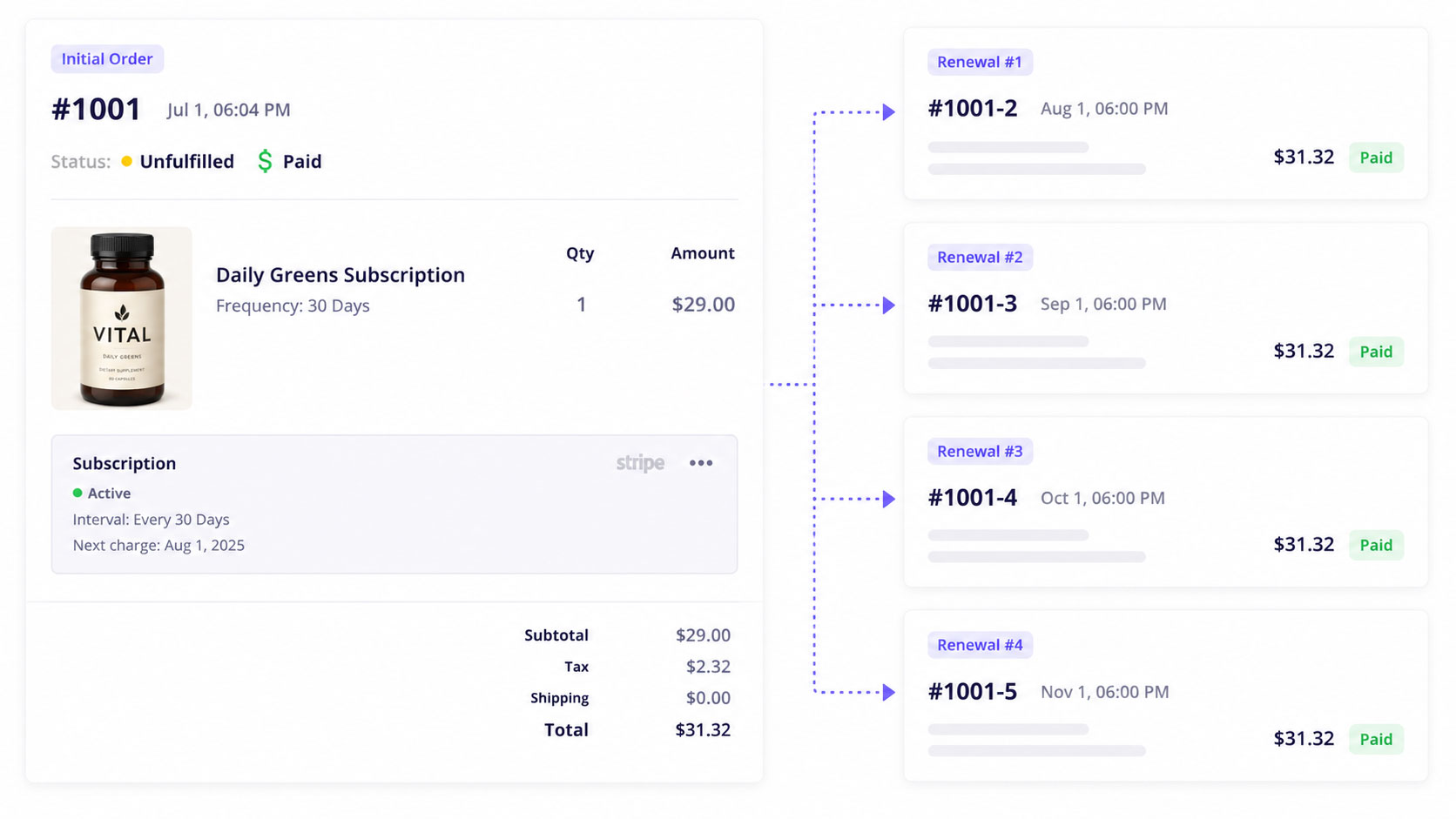
Customers can now pause or cancel their subscriptions directly from the Customer Portal, making it easier for them to manage upcoming renewals without contacting your team.
Keep Monto carts intact across devices
Monto abandoned-cart emails now preserve a shopper’s CartGenie cart across browsers and devices, so customers no longer need to reopen the email in the same browser they originally used.
Set currency-specific display formats in Monto
Monto’s Currency Converter can now use a different format for each currency—for example, $59.95 for USD and $59.95 CAD for Canadian dollars.
Reconnect to Webflow more easily
We’ve improved the reconnect flow for disconnected sites and for stores missing a required CartGenie script, making it simpler to get everything working again.