BIG New Features: Bundles, Pre-Orders, and Partial Fulfillment
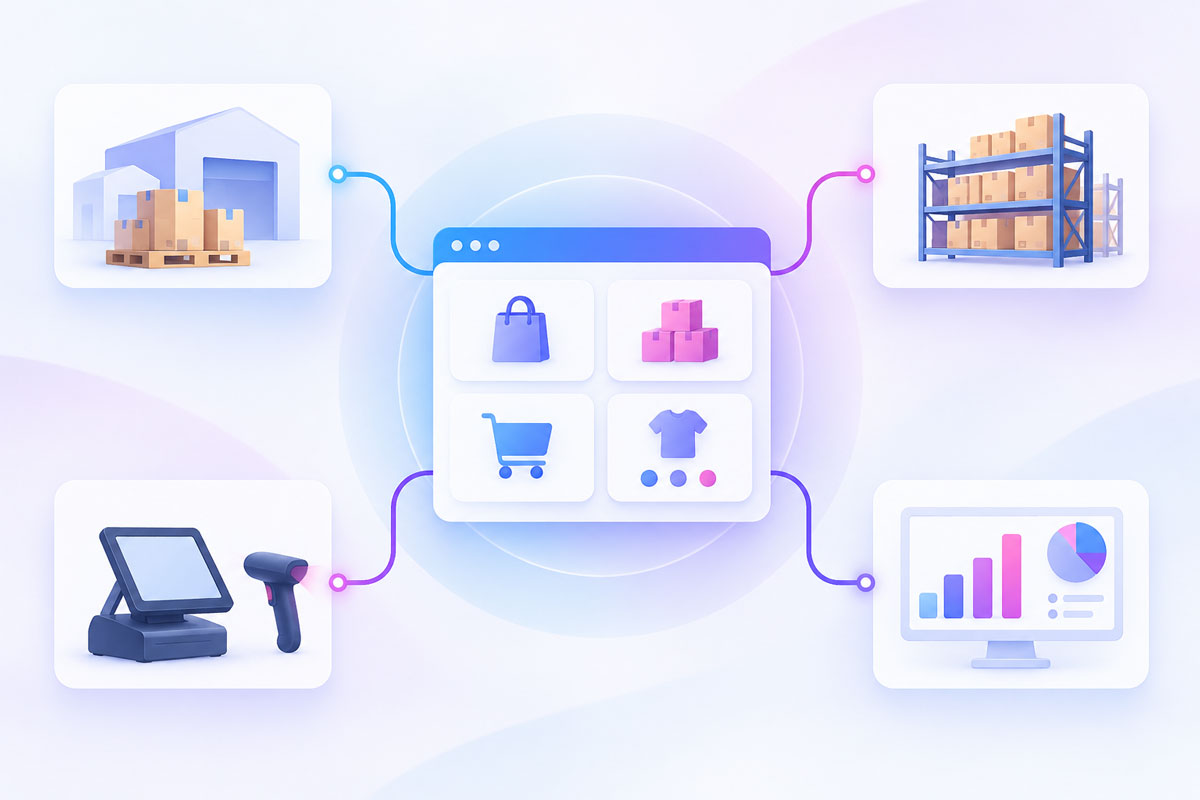
We’ve been shipping a lot lately, and this release includes some of the biggest store-management features we’ve added in a while! You can now create product bundles, start taking pre-orders, and partially fulfill orders when only some items are ready to ship.
Alongside those major additions, we’ve also expanded Google Analytics tracking, improved CSV import/export support, added more control to communications and smart images, and cleaned up a long list of bugs across the platform.
👇 Everything below is live now and included on every plan – free or paid.
Create Product Bundles
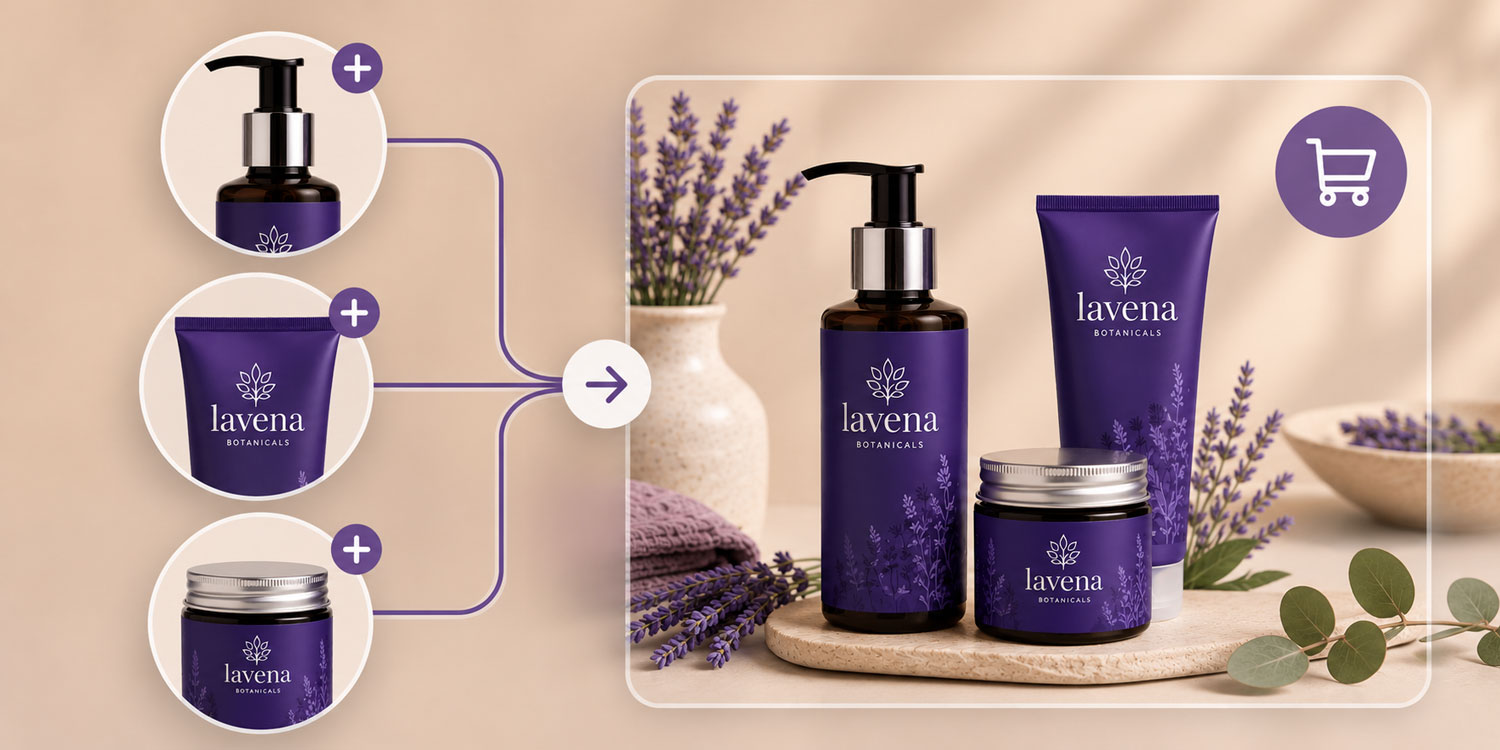
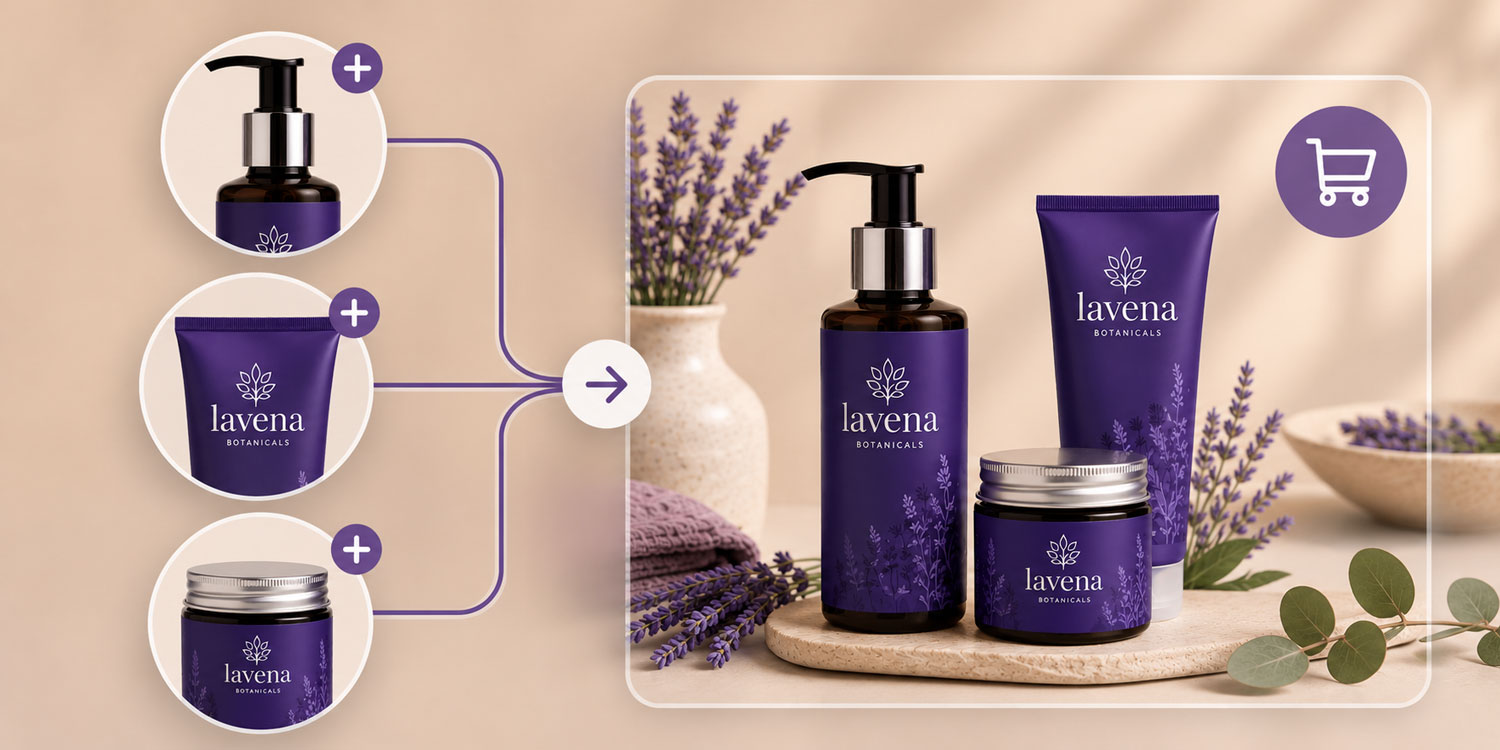
You can now create a new product type called Bundles, which lets you group multiple standalone products into a single listing with its own product page, title, description, and price.
This makes it easy to boost average order value with multi-item offers — "buy these three together and save" deals, complementary pairings, and bulk discounts — without manually piecing them together on the front end. Each bundle behaves like its own sellable product while staying built from the items already in your catalog, with inventory, tax, and shipping handled per product automatically. The result is a cleaner merchandising workflow and a better shopping experience for your customers.
Let Customers Pre-Orders Products
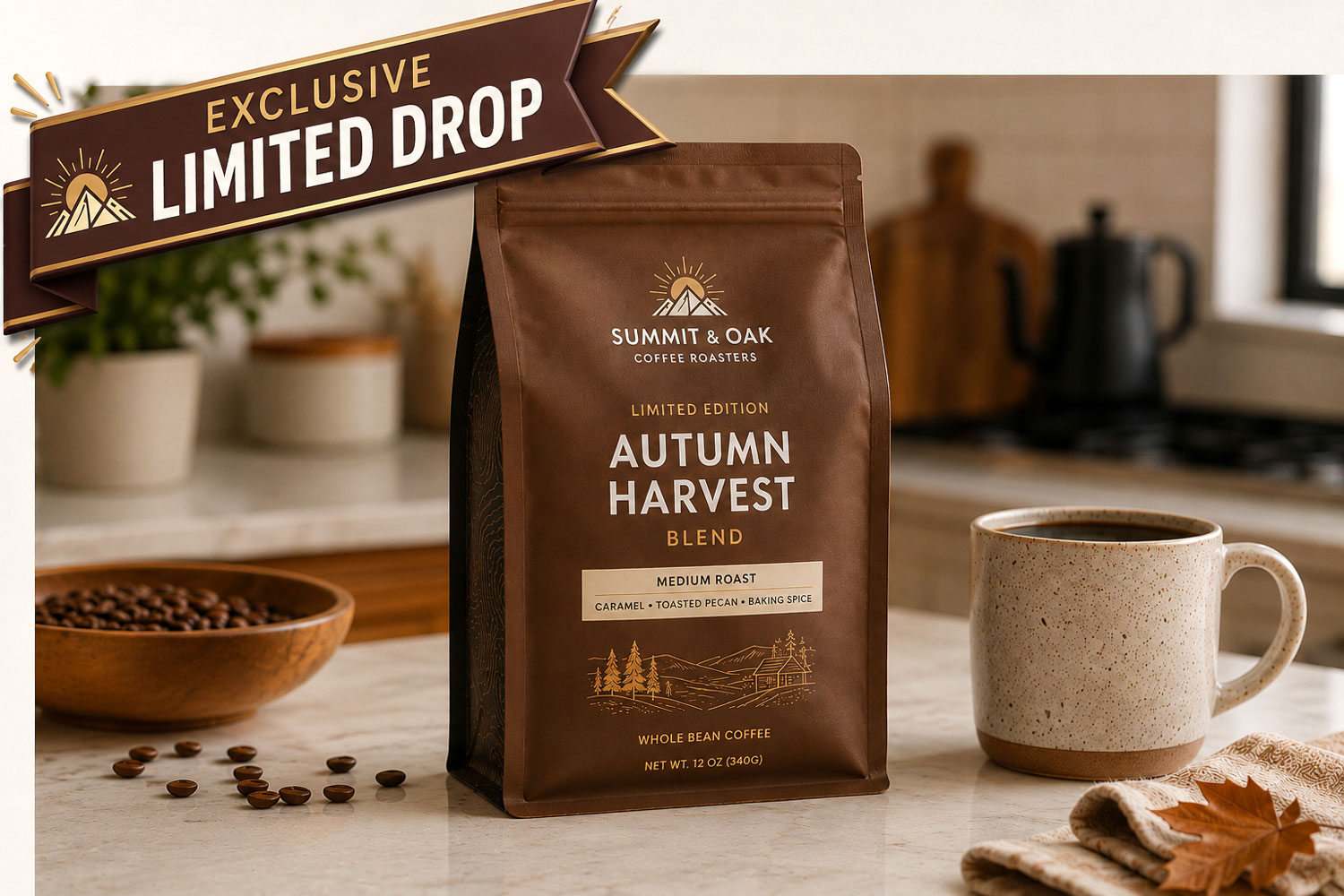
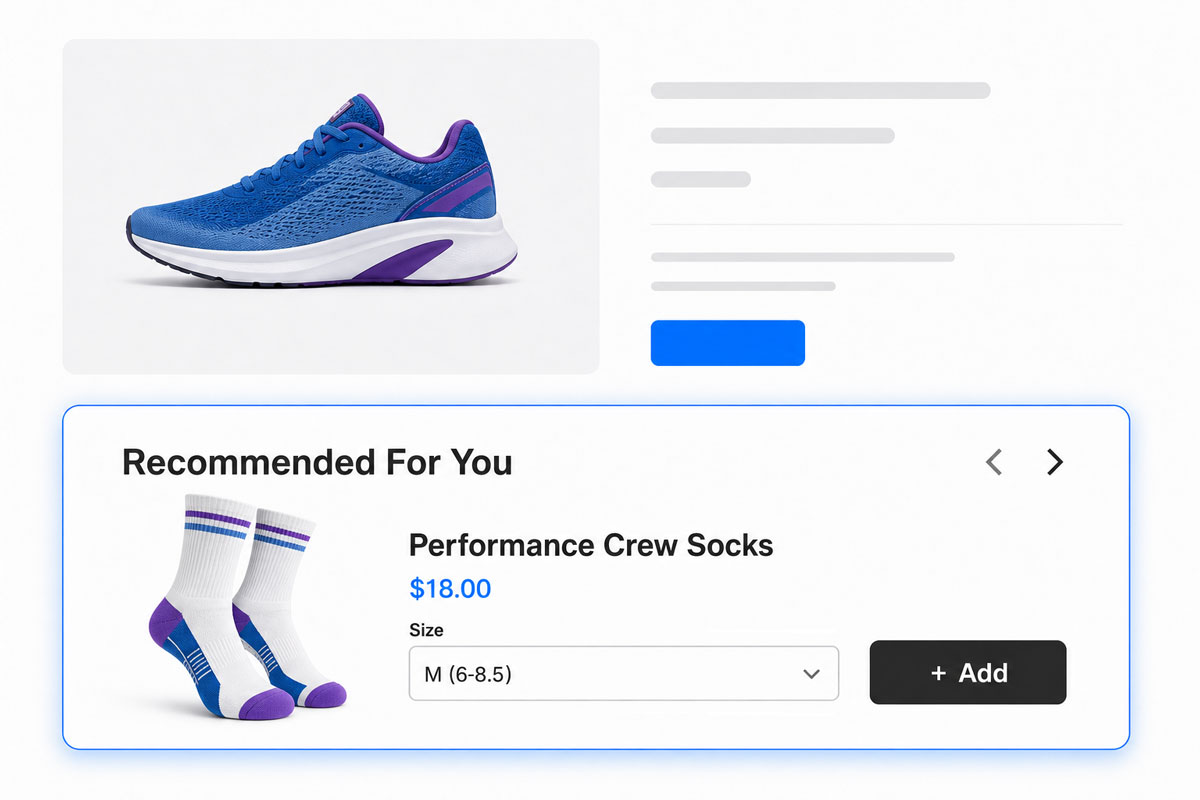
You can now create pre-order products and begin accepting orders before inventory is available. This helps you gauge demand, generate revenue earlier, and build momentum around upcoming launches.
Pre-orders are clearly tagged in both the backend and on the front end of your store, and you can notify customers about estimated shipping timing. If an order includes both pre-order items and in-stock items, you can also ship the available items now instead of waiting for everything to be ready.
Ship What’s Ready With Partial Fulfillment
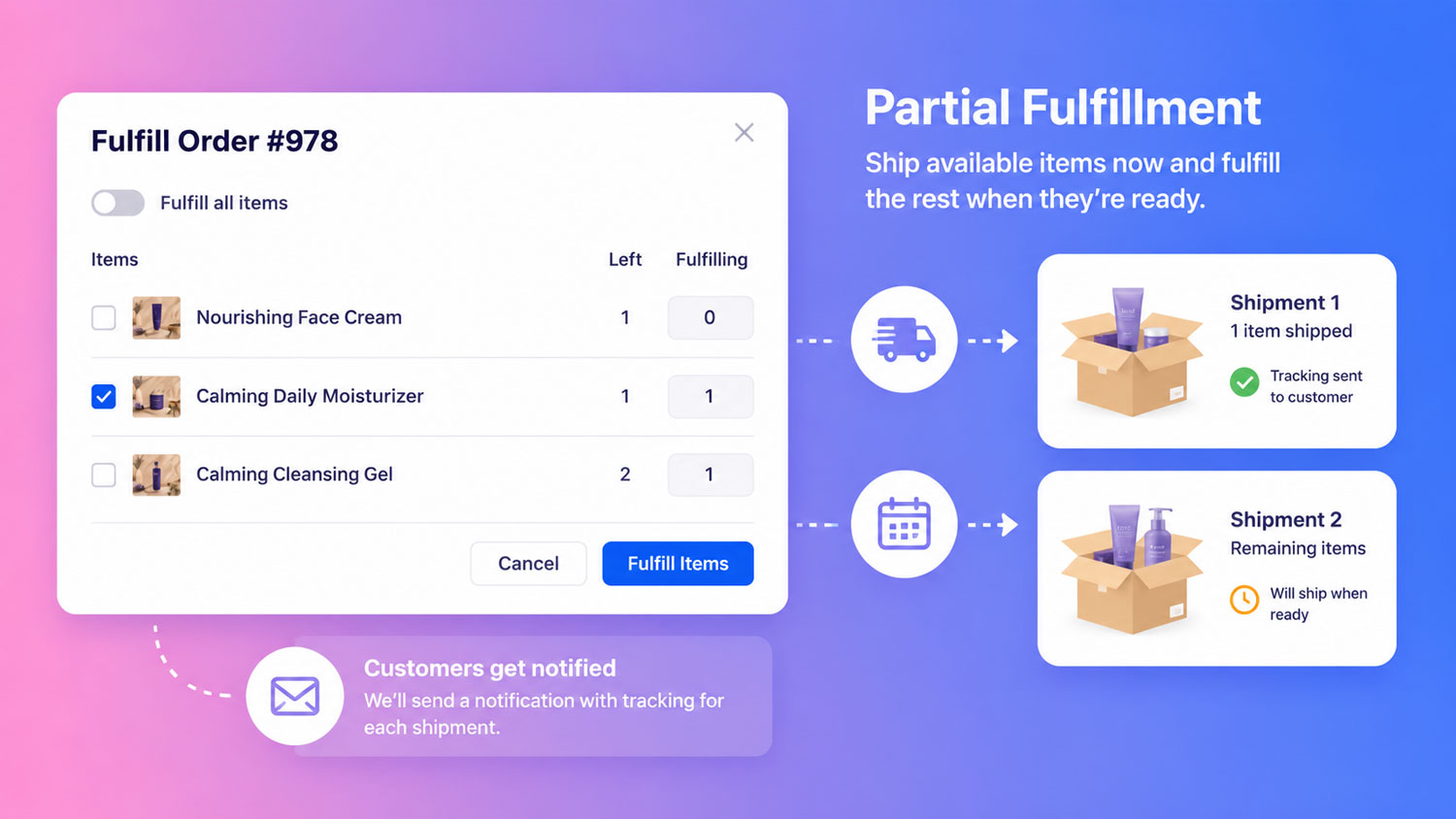
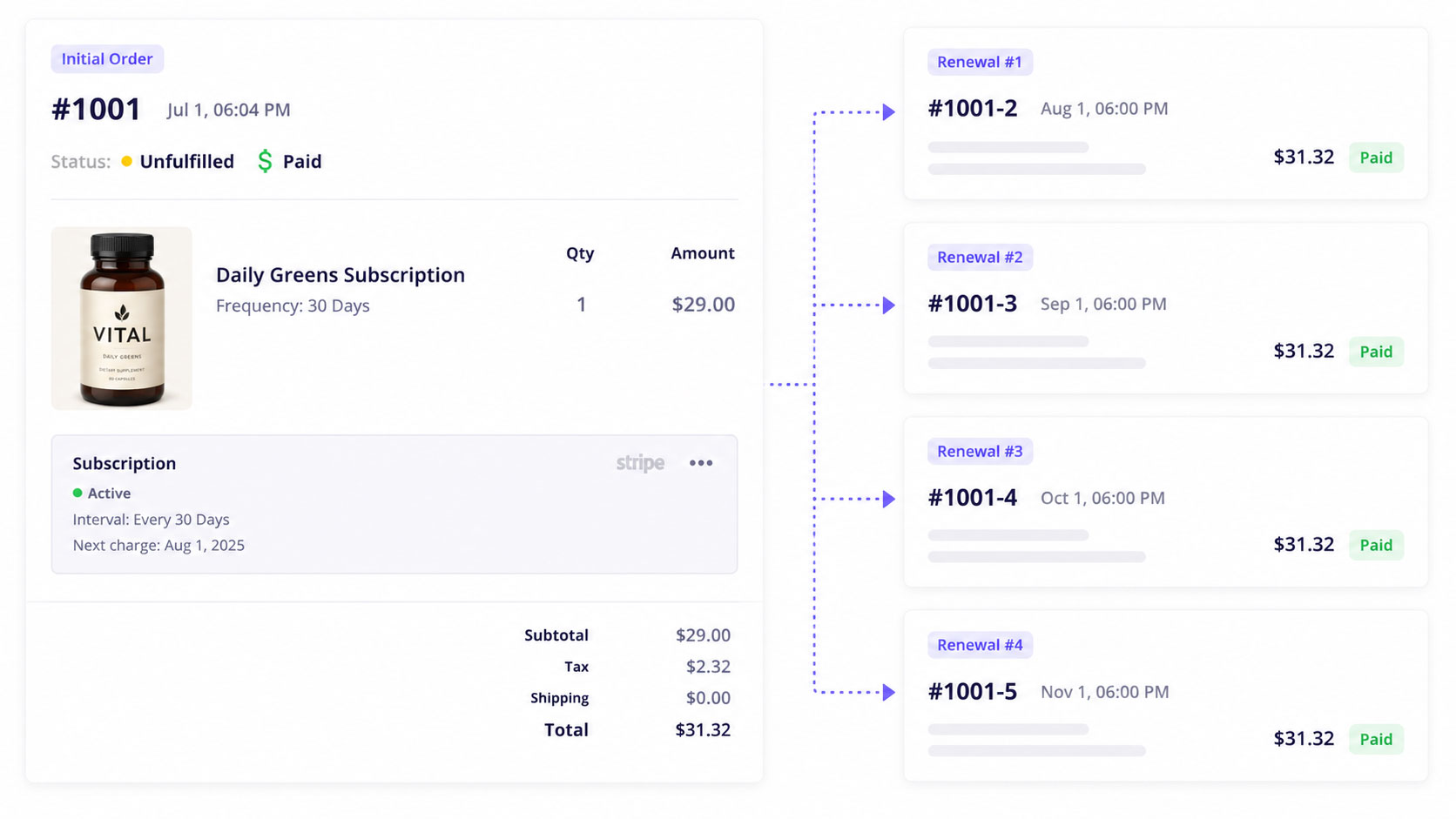
With partial fulfillment, you can now fulfill and ship available items in an order immediately while keeping the remaining items open until they’re ready to go.
This is especially useful when inventory arrives in stages or when part of an order includes pre-order items. Instead of making customers wait for the full order, you can get ready-to-ship items out the door sooner. CartGenie will also notify customers which items have shipped and include the tracking number for each package, helping keep communication clear.
How to Partially Fulfill an Order
🪄 Other Recent Improvements
Display the selected variant SKU anywhere on your store
You can now use a custom attribute to display a product SKU on product pages, checkout, cart, and confirmation pages. When a customer selects a variant, the SKU will dynamically update to show that variant’s SKU.
Read our guide
More flexibility for custom checkout fields in order emails
You can now choose exactly which custom checkout fields appear in order emails and place them anywhere within your email template.
Read our guide
Expanded Google Analytics event tracking
We added more events to the Google Analytics 4 integration in addition to add-to-cart and purchase. New supported events include view item, remove from cart, begin checkout, and add shipping info.
Read our guide
CSV import and export now support custom CMS fields
CartGenie’s CSV import feature now supports importing and updating custom CMS field values for products. We also added parent product rows to exports for products with variants, and those parent rows can now be imported and updated as well.
Guide: Update Products
Guide: Import Products
More control over smart image switching
You can now choose whether CartGenie automatically changes the live product page image when a smart image set is selected. This setting can now be controlled per product.
Read our guide
Postal code is no longer required in countries that don’t use it
We added support for countries where postal codes are not used, so customers in those regions will no longer be forced to enter one at checkout.
Read our guide
Single-option sets now auto-select
If a product has only one value in an option set, CartGenie will now auto-select it when the page loads. This helps customers add the product to cart faster with fewer clicks.
Thanks again for using CartGenie and for continuing to send in feedback, edge cases, and feature requests. This release opens up a lot of new possibilities for how you sell, launch, and fulfill products, and we’re excited to see what you build with it.
What features would you like to see next?